
Low-risk, single-door installations can often be handled by trained in-house maintenance staff. But commercial buildings, public facilities, multi-door campuses, fire-rated openings, or anything tied into fire alarm, elevator, or intrusion systems needs a qualified access-control or low-voltage security professional.
Get it wrong and you're looking at unreliable unlocking, rejected credentials, blocked egress, network dropouts, costly rework, voided warranties, or code violations that surface during an inspection.
This guide walks through the full process: assessing the site, choosing compatible components, installing and integrating the system, configuring permissions, testing every scenario, and documenting the handover.
Key Takeaways
- Access control installation involves door hardware, controllers, power, wiring, software, credentials, and exit behavior working as one system
- A door-by-door site survey, covering lock compatibility, cable paths, power, and egress, comes before any equipment order
- Wiring, electronic locking, fire alarm interfaces, and life-safety openings require manufacturer instructions and qualified installers
- Credentials, schedules, door contacts, power-loss behavior, and integrations all need testing before go-live
Installation Guide for Access Control Systems
The full installation process moves through preparation, component selection, physical installation, electrical or network integration, software configuration, testing, training, and documentation.
How long each phase takes, and who should do the work, depends on how many openings are involved, whether it's new construction or a retrofit, the lock type, cable routing, available power and network capacity, and how many systems need to integrate.
A single interior door retrofit might take a day. A 200-door campus rollout with fire alarm integration takes months of coordinated work across several trades.
Prerequisites and Safety Considerations
Before ordering a single reader, complete a door-by-door survey. For each opening, record:
- Door material, frame type, and hinge or latch condition
- Fire rating, where applicable
- Traffic pattern and existing hardware
- Planned reader and controller locations
- Cable route and available network access
- Power source and capacity
That data becomes the foundation for your access policy:
- Who needs access, and to which doors or zones
- What schedules apply and which credential types you'll issue
- How visitors and contractors get temporary access
- Lockdown requirements, audit needs, and day-to-day administration
Compatibility has to be checked across the full chain: reader, credential, controller, electronic lock, power supply, request-to-exit device, door contact, software, network, and any camera, intercom, elevator, gate, or fire alarm integration. One mismatched component can stall an entire rollout.
Research what applies to your site before designing anything. Requirements vary by jurisdiction and project type, but expect to deal with building and fire codes, NFPA guidance, ADA accessibility rules, emergency egress provisions, electrical and low-voltage codes, permits, and authority approval.
Fire doors specifically need an initial inspection and at least an annual one afterward, according to NFPA's fire door guidance.
Do not proceed if:
- The lock doesn't physically fit the door
- Emergency exit behavior hasn't been resolved
- Power requirements are unknown
- Wiring can't be safely routed
- Fire alarm interaction hasn't been confirmed
- The installer lacks required training or authorization
Hogan Security Group's process starts the same way: survey the doors, engineer a solution, and get sign-off before any installation work begins.
Tools and Parts Required
Hardware checklist:
- Access-control readers and credentials
- Controllers and power supplies (or PoE equipment)
- Electronic locks suited to each opening
- Backup power, where specified
- Door contacts and request-to-exit devices
- Exit hardware, network equipment, and enclosures
- Labels and manufacturer-approved mounting hardware
Tools typically needed: a drill with appropriate bits, screwdrivers, wire strippers, crimping or approved termination tools, cable testers, a multimeter for qualified personnel, labeling supplies, and commissioning software. The exact list depends on the system and the door, so don't assume one kit covers every opening.
Power deserves close attention, especially with Power over Ethernet. PSE output maxima range from 15.4 W to 90 W depending on the standard used, according to Cisco's PoE research. That matters because controllers, locks, readers, and auxiliary devices often share one power budget. Underestimate it, and locks start behaving unreliably under load.
Cable distance limits vary by device and protocol too. Treat manufacturer documentation as the final word, not a general rule of thumb, when confirming conductor count, gauge, shielding, fire rating, distance limits, PoE requirements, and local code.
Don't confuse essential, manufacturer-specified cable, connectors, fuses, power supplies, and mounting hardware with optional convenience tools. The former is non-negotiable; the latter just makes the job faster.
How to Install Access Control Systems Step by Step
Shortcuts here, especially around lock alignment, grounding, cable labeling, power separation, and testing, create failures that are brutal to diagnose months later. Follow a documented sequence instead.
- Prepare and document the site. Photograph every opening, mark reader and controller locations, confirm safe working conditions, coordinate with occupants, identify shutoff procedures, protect finished surfaces, and label both ends of every cable as you run it.
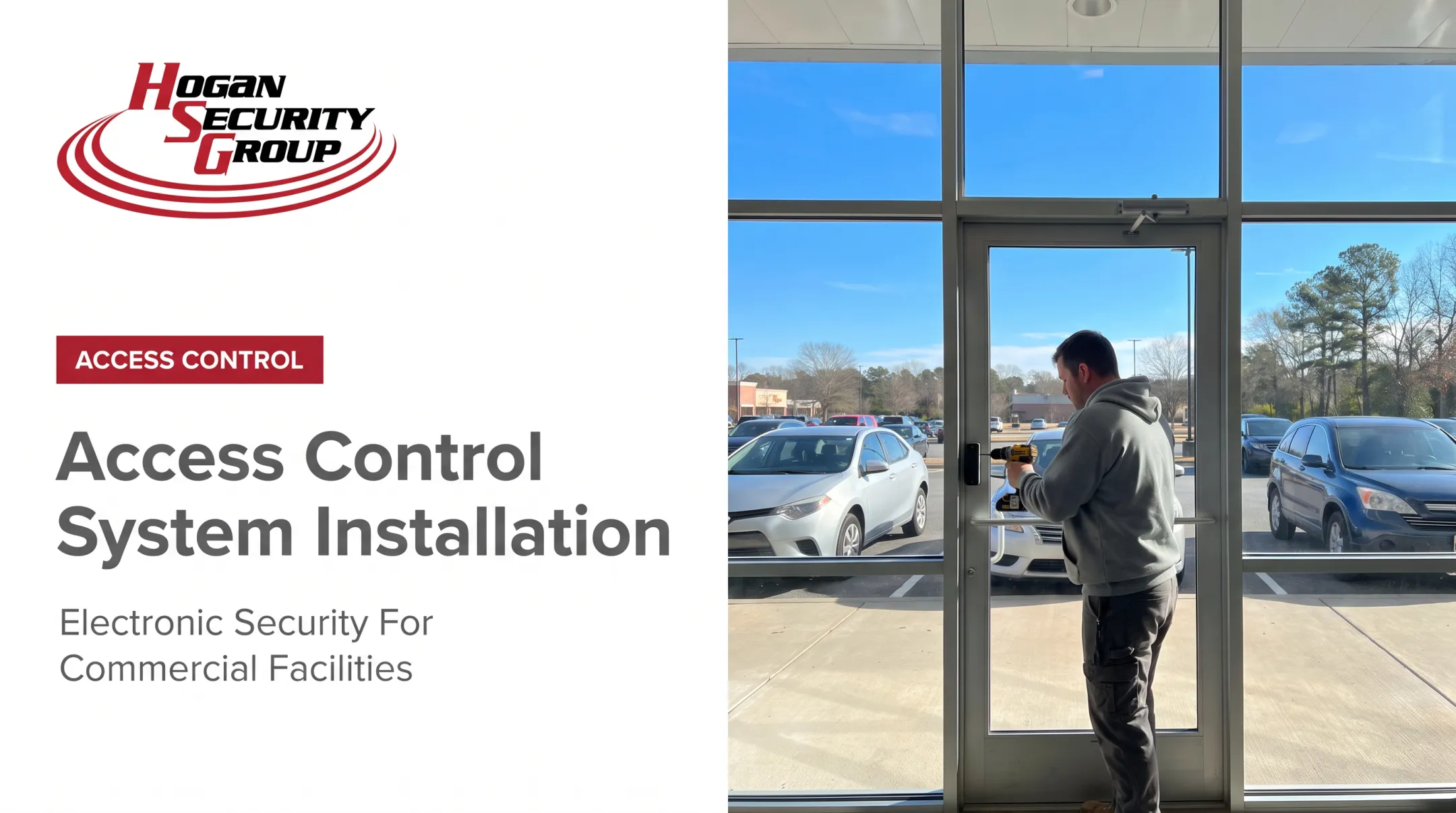
- Install the locking hardware. Confirm whether an electric strike, magnetic lock, electrified exit device, or another lock type suits the door. Follow the manufacturer's template exactly, then verify alignment, latch engagement, door closer operation, and manual exit without the system powered.
- Mount readers, controllers, and peripherals. Place readers, controllers, door contacts, request-to-exit devices, power equipment, and enclosures where they support accessibility, security, serviceability, weather protection, and clean cable routing.
- Wire according to the approved diagram. Separate and protect power and data runs, confirm polarity and grounding, land reader and lock connections on the correct controller terminals, and verify that cable type and distance meet manufacturer specs.
- Configure the software. Create doors and zones, define administrators, build user groups, assign schedules and credentials, set up alerts and event retention, and document how credentials get issued, revoked, replaced, and audited.
- Integrate related systems one at a time. Only connect fire alarm, cameras, intercoms, gates, elevators, intrusion alarms, or automatic operators after each subsystem is stable on its own, then test each integration against the approved design.
- Train administrators and hand over. Deliver an equipment inventory, cable and door schedule, configuration backup, credential process, access-group list, test results, warranty details, manufacturer documentation, and maintenance recommendations.

Hogan Security Group runs this same sequence on jobs ranging from a single automatic operator to installations covering 5,000 electronic locks.
A 2025 higher-education project, for instance, used networked locks with an electrified power-transfer detail so the door could carry both power and real-time status back to the controller. That detail is easy to get wrong if it isn't planned into the wiring diagram from the start.
Post-Installation Checks and Validation
A system isn't finished just because it unlocks for one test badge. Before anyone relies on it, validate every opening and every scenario.
Visual and structural inspection:
- Secure mounting and correct reader placement
- Protected cable runs and clean terminations
- Properly aligned locks and unobstructed doors
- Functioning closers and intact fire or accessibility features
Operational testing should cover:
- Approved, denied, expired, and out-of-schedule credentials
- Lost credential handling and remote management where applicable
- Door forced open, door held open, and request-to-exit activation
- Door contact status, administrator login, and event logging
Life-safety behavior deserves the most scrutiny. Confirm manual egress still works, check power-loss response, and verify fire alarm release or interface behavior where required.
Understand fail-safe versus fail-secure operation: fail-safe unlocks when power is removed, fail-secure stays locked, and most hardware still permits free egress regardless of mode. Hardware-release and sensor-release electric locks are treated as distinct arrangements under the 2024 IBC egress code, including specific requirements for manual release height, signage, and unlock duration.
This is one area where it pays to bring in a qualified reviewer rather than guess at wiring. Get it wrong, and you've created a life-safety hazard, not just an inconvenience.
Where the design calls for it, also test network interruption, controller communication, backup power, reader recovery, and restoration after a power cycle.
Finally, get formal sign-off from the installer and a facility representative, recording open defects, corrective actions, test results, training completion, and who owns post-launch support.
Common Installation Problems and Fixes
Even well-planned installations run into issues. Here's what typically goes wrong, and how to fix it.
Misaligned or incompatible lock. An incorrect strike, mag-lock, electrified exit device, or poor alignment prevents reliable locking and unlocking. Recheck these items rather than forcing hardware that doesn't fit:
- Door measurements and frame preparation
- Latch engagement
- Manufacturer compatibility
Reader or lock won't power up or communicate. This usually comes down to one of these issues:
- Incorrect voltage or polarity
- Wrong cable type or excessive distance
- Loose terminations or network misconfiguration
- Insufficient power capacity at the controller
Isolate the affected component using approved testing procedures and the manufacturer's wiring diagram rather than swapping parts at random.
Credentials work inconsistently, or permissions are wrong. Check these software and enrollment items first:
- Credential enrollment and duplicate records
- User-group rules and time schedules
- Controller synchronization and reader compatibility
Test with a known-good credential and review the access logs before touching any hardware.
Door stays open, triggers false alarms, or won't release safely. Investigate these points:
- Door contact placement and closer operation
- Request-to-exit configuration and alarm thresholds
- Physical obstruction and approved emergency-release design
Escalate any life-safety concern to a qualified specialist immediately; this isn't a wait-and-see problem.
Integration or code questions aren't resolved. Fire alarm, elevator, automatic-door, camera, and intrusion integrations often involve multiple vendors and authorities having jurisdiction. Pause go-live until responsibilities, test criteria, and required approvals are documented in writing.

Hogan Security Group handles this kind of troubleshooting regularly. Its break/fix work covers complex door, hardware, electrical, and access-control failures across more than 65,000 doors it has serviced for schools, healthcare facilities, hospitals, and corporate clients.
Pro Tips for Installing Access Control Systems Effectively
Pilot before you scale. If the property has many openings, install one representative door or a small group first. Use it to validate hardware compatibility, cable routes, permissions, integrations, user experience, and documentation before repeating the design across the rest of the building.
Sequence the work around occupancy. Complete surveys and approvals first, preconfigure software and controllers where possible, schedule disruptive work during low-traffic hours, and keep an approved temporary access plan in place during cutover.
Treat this as a door-safety project, not just a security one. Coordinate with door, locksmith, fire-door, electrical, network, fire alarm, and elevator specialists. Changing one component in isolation, like a lock, a closer, or a power supply, can break something else down the line.
Document everything consistently. Every opening should have a record covering door identifier, controller port, reader and lock models, cable destination, power source, assigned credentials, software settings, and test results. Future service shouldn't depend on someone's memory.
Build a lifecycle plan. Include:
- Credential reviews and removal of departed staff or contractors
- Firmware and software updates
- Battery and backup-power checks
- Door hardware inspections
- Event-log review and periodic functional testing
Multi-door campuses, schools, hospitals, municipalities, warehouses, fire-rated openings, occupied facilities, and complex integrations all warrant a qualified access-control specialist rather than a DIY approach.
Hogan Security Group engineers, installs, programs, repairs, and maintains integrated door safety and access-control systems. The team has secured more than 65,000 doors across schools, healthcare facilities, hospitals, corporate campuses, and government buildings in New Jersey, Pennsylvania, and New York.

When comparing installation proposals, look past the hardware price tag. Confirm the quote covers:
- Door preparation and cabling
- Power, programming, and testing
- Training and documentation
- Warranty support and future service
A cheaper bid that skips half that list usually costs more later.
Conclusion
Installation quality shapes everything downstream: security, safe egress, system reliability, administrator workload, and equipment lifespan. None of that comes from mounting a reader and calling it done.
Lock in these fundamentals before go-live:
- Document a site survey and access policy
- Choose compatible, manufacturer-supported components
- Follow approved installation procedures
- Finish commissioning before enrolling users, with every credential, door contact, and integration verified
For multi-door facilities, fire-rated openings, or complex integrations, bring in a specialist rather than guessing. Hogan Security Group has spent more than four decades engineering, installing, and maintaining door safety and access-control systems for schools, healthcare facilities, hospitals, municipalities, and corporate clients across New Jersey, Pennsylvania, and New York.
Request an access-control assessment before your next project goes out to bid.
Frequently Asked Questions
How much does it cost to install an access control system?
Total cost depends on door count, lock and reader selection, door condition, cable routing, power availability, software, integrations, and site access. Request a site-specific quote rather than relying on a generic average.
How much does it cost to install an access control system per door?
Per-door pricing varies widely between a ready-to-wire interior opening and a retrofit that needs door preparation, long cable runs, new power, network upgrades, or integrations. Ask for an itemized per-door proposal before comparing bids.
What are the requirements for access control?
A working system needs compatible locks, readers, controllers, credentials, power, connectivity, and software. It also requires safe egress, building and fire code compliance, accessibility, testing, and trained installers.
What are the 5 steps of access control?
The process generally runs: assess requirements, select and design the system, install hardware and connectivity, configure users and permissions, then test, train, and maintain. Skipping any step tends to surface as a problem later.
What are the three main types of access control systems?
Physical models include discretionary, role-based, and mandatory access control. Commercial door systems are also grouped by architecture: standalone, networked, cloud-managed, or on-premises.
What are the key standards for access control systems?
Evaluate applicable US building and fire codes, NFPA guidance, ADA accessibility requirements, electrical and low-voltage rules, manufacturer instructions, and local authority requirements. The exact standards that apply depend on your site and system design.