
Introduction: Why Businesses Are Moving Beyond Traditional Keys
Managing physical keys across a growing staff, a rotating cast of contractors, and dozens of visitors a week is harder than it looks. Lose one master key and you may be rekeying an entire building. Multiply that across several departments or multiple sites, and key control becomes a part-time job nobody signed up for.
Keyless entry systems solve this by replacing metal keys with digital credentials, such as PINs, key cards, fobs, mobile devices, or biometrics. Access decisions happen electronically, which means lost credentials get deactivated instead of triggering a locksmith visit.
This guide covers the system types available, their real benefits and limitations, how to choose the right fit, what it costs, and why professional installation and ongoing service matter more than the hardware itself.
Key Takeaways
- Keyless entry is a category of access control, not one product — the right fit depends on risk, doors, users, and budget
- PINs, cards, mobile credentials, and biometrics each carry distinct trade-offs in security and convenience
- A complete system needs hardware, software, audit logs, emergency egress planning, and backup power
- Compare total ownership costs and service support, not just the price of a single reader or lock
What a Keyless Entry System Is and How It Works
A commercial keyless entry system checks a presented credential, confirms the user's permissions and schedule, then signals the door hardware to unlock. That's different from a single electronic lock sitting on one door with no connection to anything else.
A basic electronic lock controls access at that opening only. A managed access-control system goes further, maintaining user records, role-based permissions, event history, and remote administration across multiple doors or buildings.
Core System Components
Every functioning system relies on a chain of hardware and software working together, not just the reader on the wall:
- Credentials: PINs, proximity cards, encrypted smart cards, key fobs, mobile credentials, or biometric identifiers
- Readers or keypads that capture credential data and pass it along
- Controllers and management software that make the access decision and keep records
- Electrified locks or strikes, door position sensors, and request-to-exit devices that physically control the opening
- Power supplies, battery backup, and emergency override equipment
As HID's technical documentation notes, a reader obtains credential data, a controller makes the decision, and an electrical mechanism unlocks the door. Each link in that chain matters for security.
Many organizations also connect their access system to video surveillance, intercoms, visitor management, alarms, or lockdown procedures for a more complete security picture.

Emergency Egress Still Comes First
Life safety can't be an afterthought. Emergency egress, fire-alarm interaction, accessibility requirements, and power-loss behavior need to be designed in from day one, not bolted on later. These decisions should be made with qualified installers and verified against applicable codes and your local authority having jurisdiction, not assumed from a product spec sheet.
At Hogan Security Group, this is where the design-and-engineer phase comes in before any hardware goes in. Having engineered and serviced more than 65,000 doors across schools, healthcare facilities, hospitals, and corporate sites, the team treats the door assembly (not just the lock) as the unit that has to work correctly every time.
Types of Keyless Entry Systems for Businesses
Not every door needs the same level of security. Matching the credential type to the risk level of each opening is where most of the real decision-making happens.
Keypad and PIN Systems
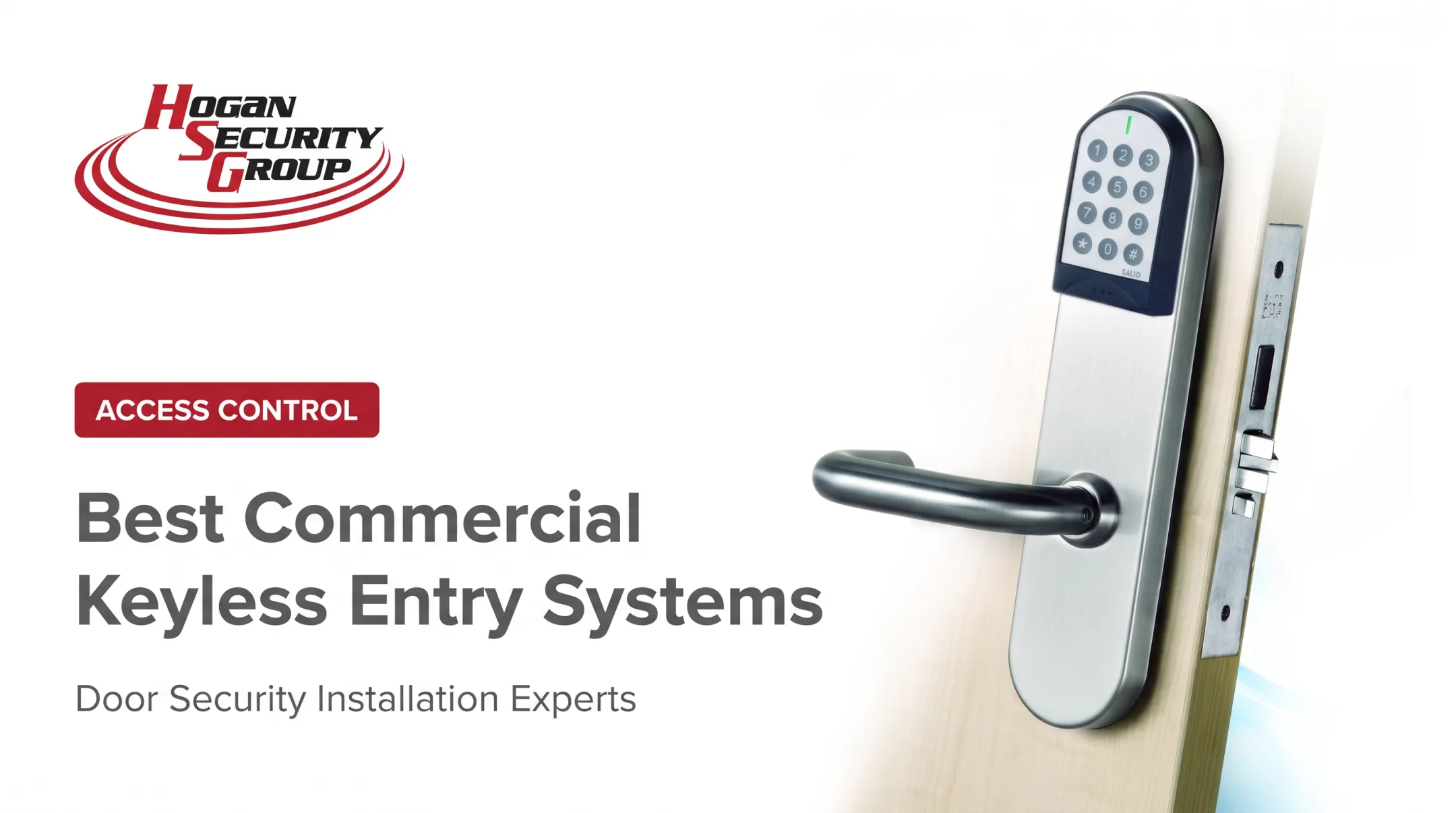
Keypads work well for small offices, utility rooms, and low-to-moderate traffic doors where issuing a physical credential isn't practical. They're inexpensive and fast to deploy.
The catch is shared-code risk. A PIN typed in front of a coworker or written on a sticky note stops being a secure credential. Best practice is:
- Assign unique PINs per user, not one shared code
- Rotate codes regularly, especially after staff turnover
- Pair PINs with a second credential for higher-risk areas
Key Cards, Proximity Cards, and Key Fobs
RFID or NFC-based cards and fobs remain the most familiar commercial option. You can issue credentials quickly, assign access by role, and deactivate a lost card instantly instead of changing a lock.
That instant deactivation solved a real problem for the University of Mississippi. Before its electronic upgrade, lost or stolen keys in residence halls couldn't be deactivated at all, and frequent turnover kept driving rekeying costs up.
According to Allegion's case study, switching to card access let the university deactivate lost credentials immediately rather than rekeying doors.
The limitation: older RFID technology can be cloned, and cards still get lost. Encrypted smart cards close that gap but cost more per credential.
Mobile Credentials and Smart Entry
Smartphone-based entry uses Bluetooth or NFC to communicate with the reader, often through an app or digital wallet. Administrators can issue or revoke access remotely without anyone handling a physical credential.
Mobile hasn't replaced cards. It's layered on top of them.
Industry-wide, 84% of organizations use mobile and physical credentials together, according to HID's 2025 report, and nearly half still require visible ID badges on-site. Mobile access depends on device availability and user adoption, so a fallback credential still matters.
Biometric and Multi-Factor Systems
Fingerprint, facial, or iris recognition suits server rooms, pharmacies, and other spaces where identity verification needs to be airtight. Biometrics tie access to a physical characteristic instead of a transferable code or card.
Trade-offs include enrollment time, accessibility accommodations, and the false-rejection/false-acceptance balance every biometric system has to manage. Most organizations pair biometrics with a broader access policy rather than relying on them alone.
Smart Locks, Video Intercoms, and Hybrid Systems
Smart locks and intercoms add remote management and visitor verification on top of whatever credential type you choose. Hybrid or phased deployments let you reuse working legacy hardware on lower-risk doors while upgrading higher-risk openings first. That approach spreads cost over time instead of ripping out everything at once.

Business Benefits and Limitations of Keyless Entry
Keyless entry improves control and accountability, but it doesn't make every physical or cyber risk disappear. Both sides of that equation deserve attention.
Security and Accountability
Individual permissions, time-based schedules, and access logs replace the all-or-nothing nature of a metal key. When someone leaves the company, their credential gets pulled instantly instead of waiting for a key to be returned, or not returned.
Administrative Efficiency
Onboarding no longer means cutting keys. Administrators can:
- Issue temporary credentials for visitors, cleaners, or contractors on the spot
- Manage access remotely across multiple buildings from one dashboard
- Set location-specific or time-limited permissions for short-term staff
Scalability and Integration
A well-designed system expands from one door to an entire portfolio without starting over. Boston University learned this the hard way: the school ran 23 separate standalone access-control systems whose databases didn't talk to each other, meaning every new hire required updates in each one individually.
According to an SDM Magazine report, consolidating into one enterprise system gave the security team centralized administration while local coordinators kept control of their own buildings. The project took roughly two and a half years: a reminder that integration work is real work, not a weekend upgrade.
Before buying, check for open standards, manufacturer support, and room for future expansion. A system that only works with one vendor's hardware limits you later.
Limitations and Ongoing Risks
Keyless entry introduces its own set of things to manage:
- Shared PINs and lost phones create the same exposure as a lost key, just in a different form
- Tailgating and forced entry aren't solved by any credential type
- Network outages, battery failure, and software vulnerabilities need monitoring
- Incomplete offboarding leaves former employees with active credentials
Layered controls (visitor procedures, regular access reviews, firmware updates, and physical door inspections) close most of these gaps. This is also where life-safety decisions like fail-safe versus fail-secure hardware get coordinated with your local fire marshal, not guessed at.
How to Choose and Implement a Keyless Entry System
Start with a facility assessment, not a product catalog. Walk every door and note:
- Traffic and risk level: which doors see constant use, and which protect sensitive areas
- User groups: employees, contractors, visitors, and whether each needs different access tiers
- Existing infrastructure: current locks, wiring, and network availability
- Emergency requirements: egress needs and fire-code obligations for each opening
Matching the System to Risk
Match credential type to each opening's risk:
- Low-risk doors: simple keypad access
- Routine employee entrances: cards or fobs
- Flexible remote administration: mobile credentials
- Sensitive areas: multi-factor or biometric controls
Also decide whether cloud-managed, on-premises, or hybrid architecture fits your IT team's capacity and privacy requirements.
What It Actually Costs
Pricing swings widely based on door count, credential type, wiring complexity, software subscriptions, and installation difficulty. Kisi's pricing guide puts typical per-door ranges at roughly $1,000–$2,500 for keypads, $1,500–$3,500 for key fobs or cards, and $2,000–$4,500 for mobile access. Those figures help with budgeting, though your actual quote depends on your specific doors and site conditions.

Get a site assessment before committing to a number.
Evaluating a Provider
Look past the reader price to the provider's actual capabilities:
- Door-hardware engineering expertise, not just software knowledge
- Direct manufacturer relationships and certified technicians
- Documented maintenance plans, warranties, and emergency service
- Experience with facilities similar to yours
This is where Hogan Security Group's approach is worth considering for organizations in New Jersey, Pennsylvania, and New York. The company pairs engineering and installation with SALTO Systems' scalable, networked access-control platform. The hardware works offline between card and reader, so outages don't lock people out, and it adds real-time audit tracking and instant lockdown when connected online.
As a licensed locksmith and public works contractor with FDAI fire-door certification, Hogan can plan a phased migration that starts with perimeter doors and extends inward as budget allows, rather than forcing an all-at-once overhaul.
Implementation Steps
- Document every existing door and its current hardware
- Define access roles and permission levels by user group
- Pilot a representative set of openings before full rollout
- Test emergency scenarios and offline operation
- Train administrators and establish offboarding procedures
- Schedule recurring inspections and firmware updates
Conclusion: Plan the Upgrade Around Security, Safety, and Service
The best keyless entry system is the one that fits your doors, your users, your risk profile, and your budget. That means comparing the complete access-control ecosystem and the service plan behind it, not just a lock or a reader in isolation.
If your organization is weighing a keyless upgrade, Hogan Security Group can assess your facility and help phase the project to match your timeline and budget. Schools, healthcare facilities, hospitals, property managers, and industrial operators across New Jersey, Pennsylvania, and New York can reach the team at 609-737-8100 to start that conversation.
Frequently Asked Questions
How much does a keyless entry system cost?
Cost depends on door hardware, credential type, wiring, software, integrations, and the number of openings involved. A site-specific assessment gives a far more accurate number than any general estimate.
What is the best keyless entry system?
It depends on your security risk, user volume, and existing infrastructure. Keypads suit low-risk doors, cards and fobs work for routine access, mobile credentials offer flexible remote management, and biometrics fit high-security areas.
What are some good access control systems for small businesses?
Professionally installed keypad, card, fob, or mobile systems all work well for small businesses, provided they use unique credentials, keep audit logs, and can scale as the business grows. Door compatibility and ongoing support matter as much as the hardware itself.
What is the difference between smart entry and keyless entry?
Keyless entry simply means access without a traditional metal key. Smart entry usually refers to connected features layered on top, like mobile credentials, remote management, and usage alerts.