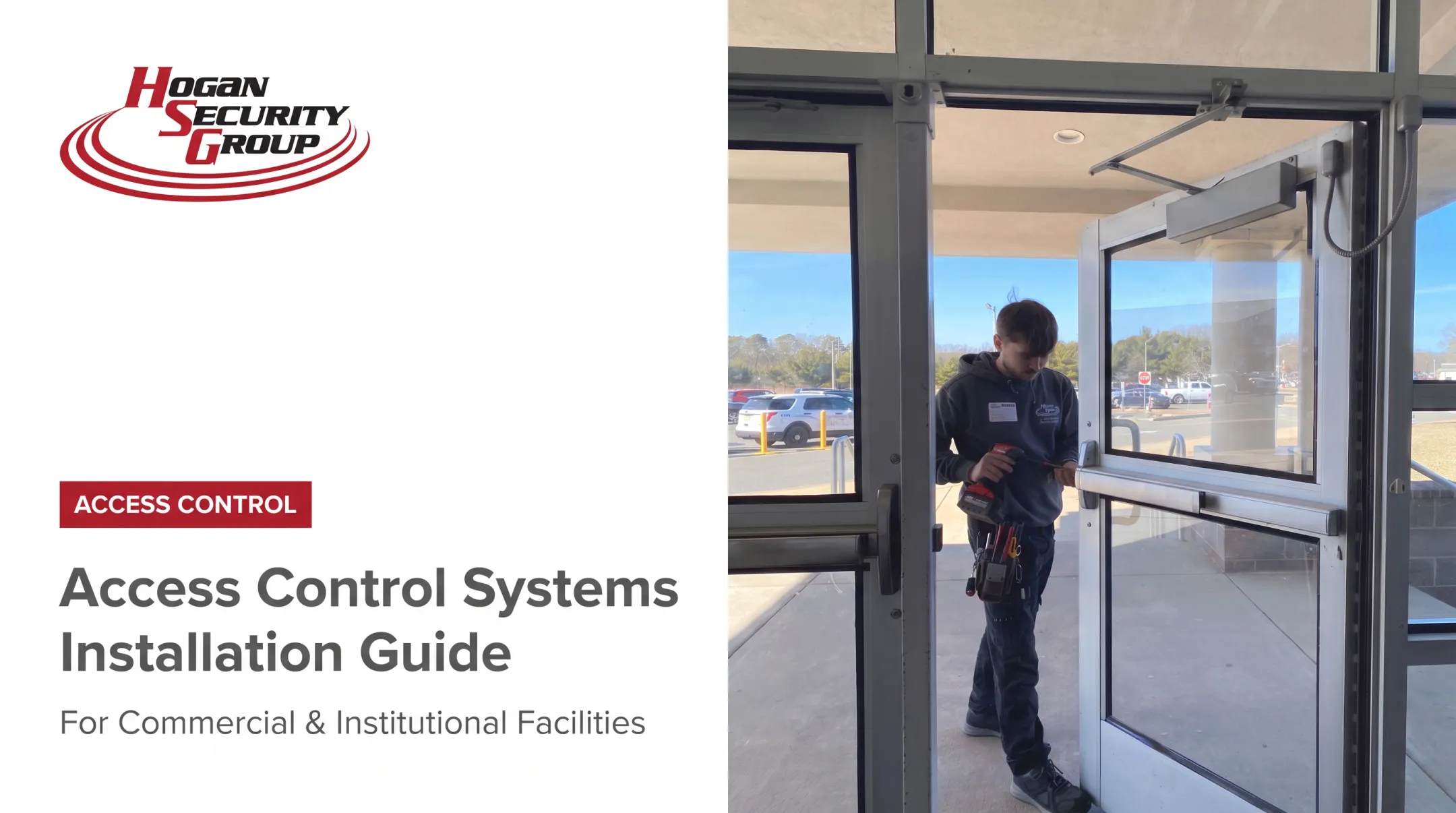

A real installation combines door hardware, low-voltage wiring, power design, networking, software configuration, and life-safety requirements. Many facility teams underestimate this, treating it like swapping a residential deadbolt. That assumption causes problems.
Security integrators, locksmiths, electricians, IT staff, and facility stakeholders often each own a piece of the project. A general DIY approach isn't appropriate for multi-door commercial buildings, fire-rated openings, or anywhere life safety is on the line.
Get it wrong and you'll see unreliable credential reads, doors that won't secure or release properly, network and power failures, compliance gaps, and costly rework. This guide walks through planning, component selection, installation, programming, testing, documentation, and maintenance.
Key Takeaways
- Start with a door-by-door site survey, not a shopping list of readers and locks
- Every door requires coordinated readers, controllers, locking hardware, power, cabling, network access, and software
- Fire exits, egress routes, accessibility, and local code requirements get addressed before installation begins
- Commissioning must test normal access, denials, schedules, alarms, power loss, and emergency release
- Phased rollouts help schools, campuses, and multi-building portfolios modernize within budget
Prerequisites, Safety Considerations, and Required Components
Before anyone touches a drill, you need a documented survey and a parts list that matches the actual doors in the building, not a generic catalog order.
Site Survey and Door-by-Door Assessment
Walk every opening that needs controlled access: exterior entrances, interior restricted areas, stairwells, loading docks, server rooms, classrooms, and offices. For each door, record:
- Door type, frame condition, handing, and existing lock or exit hardware
- Reader location, door position sensor, and request-to-exit device placement
- Fire rating and whether the opening sits on an emergency egress path
- Access groups needed: staff, visitors, contractors, temporary users, administrators
This survey also defines who can add, change, or remove credentials later, which matters more than most teams expect once the system is live.
Compatibility and Code Requirements
Mismatched hardware is one of the most common planning failures. Verify that readers, credentials, controllers, locking hardware, power supplies, and software all work together before you order anything.

Protocol support alone doesn't guarantee a secure, working connection. SIA's OSDP checklist notes that OSDP-capable devices still need tested interoperability and an encrypted Secure Channel configuration, not just a protocol label on the box.
Egress and fire-door rules aren't optional extras either. NFPA's egress guidance confirms that egress-side doors must remain readily available to occupants, with the specific locking arrangement permitted depending on occupancy and location. NFPA80 governs fire-door installation and inspection requirements, and the 2010 ADA Standards set operability and clear-space rules for hardware.
Before work begins, confirm:
- Electrical capacity, panel access, grounding, and surge protection
- Appropriate cable types and separation from high-voltage or RF interference sources
- Backup power sizing and network ownership
- Required permits, AHJ approvals, and a documented emergency-release strategy
Components You'll Need
A typical door package includes:
- Readers and credentials (cards, fobs, mobile, or biometric)
- A controller and compatible power supply, plus backup battery where specified
- Locking hardware matched to the fail-safe/fail-secure requirement for that opening
- Door position switches and request-to-exit devices
- Enclosures, network equipment, cabling, connectors, conduit, and mounting hardware
Specialized test equipment, manufacturer programming tools, and door alignment tools are often required too. Hogan Security Group, certified with manufacturers including SALTO Systems, dormakaba, Allegion, Assa Abloy, and Genetec, selects these components against manufacturer specifications rather than generic substitutes.
How to Install an Access Control System Step by Step
Sequence matters here. Shortcuts during surveying, wiring, or configuration create failures that are painful to diagnose once walls are closed and users are enrolled.
- Prepare the site. Confirm the door operates mechanically, fix any sag or misalignment, map the cable route, and coordinate scheduling with facilities, IT, electrical, and fire-safety stakeholders.
- Install hardware. Mount controllers, power supplies, enclosures, readers, locks, sensors, and exit devices per approved drawings and manufacturer instructions. Wiring methods vary by product, so follow the spec sheet, not a generic diagram.
- Label and test cables. Keep separation from high-voltage lines and interference sources, leave service loops, and document every cable path and termination.
- Connect power and network. Verify voltage and polarity against manufacturer requirements before energizing anything.
- Configure the software. Set up sites, doors, schedules, user roles, credential rules, alerts, and audit settings. Coordinate with IT if video, intercom, visitor management, or identity platforms are being integrated.
- Pilot before scaling. Enroll a representative group of users on one or a few doors first, then replicate the standardized configuration across the rest of the campus or portfolio.

In a 2025 higher-education project, Hogan Security Group installed online, networked locks using an electrified power-transfer detail at the opening, then validated that configuration before extending it building-wide. Validating on a few openings first catches configuration issues before they multiply across the rest of the site.
Organizations that need site assessment, engineered door-and-access coordination, installation, and programming often bring in a manufacturer-supported specialist rather than assembling the project piecemeal.
Hogan Security Group, a licensed public works contractor and NJ locksmith (34LX00017500), offers that kind of turnkey support for schools, healthcare facilities, hospitals, and corporate sites across NJ, PA, NY, and CT.
Post-Installation Checks and Validation
Commissioning confirms the system works safely and matches the approved design before general users get credentials. Skipping this step is how "working" systems fail during an actual emergency.
Visual and mechanical checks:
- Secure mounting and protected cabling
- Correct labeling and unobstructed door swing
- Proper closer and latch operation
- Complete as-built documentation
Functional checks:
- Valid and invalid credential attempts
- Access schedules, user permissions, and anti-passback rules where configured
- Door position alarms, forced-door events, and held-open events
- Request-to-exit operation and audit log accuracy
Life-safety and emergency checks:
- Emergency egress and fire-alarm interface behavior
- Power interruption, backup power, and network failure response
- Manual override and lockdown procedures
- Fail-safe or fail-secure behavior appropriate to each opening
A formal acceptance record matters as much as the tests themselves. The federal UFGS specification for electronic security systems requires functional test procedures with documented expected results, witnessed acceptance, and resolution of any deficiencies before sign-off. That model is useful even outside federal projects.
Confirm any integrations with video, intercoms, visitor management, or intrusion detection. Then get sign-off from facilities, security, and IT before handing over administrator training and final documentation.
Common Installation Problems and Fixes
Most access-control failures trace back to planning or infrastructure, not a defective reader. Diagnose the full chain: credential, reader, controller, power, lock, network, and software.
Issue 1: Reader or lock operates intermittently
Credentials read inconsistently, the reader resets, or the lock isn't getting reliable power.
Likely causes:
- Undersized power supply or voltage drop
- Excessive cable length
- Loose terminations
- Mismatched reader-controller requirements
Fix: Measure power at the device under load, inspect terminations and cable routes, and correct the power design against manufacturer specs. Allegion's electric latch retraction documentation flags wire gauge and simultaneous device activation as common overload triggers.
Issue 2: Door does not secure, release, or report correctly
A door stays unlocked, won't unlock, or throws false forced-door alarms.
Likely causes:
- Door sag or misalignment
- Wrong lock selection or failed closer
- Mispositioned door contact
- Incomplete fire-alarm or egress interface
Fix: Repair the mechanical opening first. Then verify lock compatibility, adjust sensors, and retest the approved life-safety sequence with the responsible stakeholders present.
Issue 3: Access events, schedules, or integrations are wrong
Authorized users get denied, former employees still have access, or audit logs don't match door activity.
Likely causes:
- Incorrect permissions or incomplete offboarding
- Schedule or time-zone errors
- Clock synchronization issues between controllers
Fix: Review roles and schedules, suspend or remove outdated credentials, and confirm system time sync. Test each integration against defined scenarios before go-live.

Hogan Security Group's break/fix team diagnoses a beeping card reader or sticking latch as an electrical or mechanical issue before swapping parts.
Pro Tips for Installing an Access Control System Effectively
A few habits separate systems that run smoothly for a decade from ones that generate service calls every month.
- Prioritize by risk, not uniformity. Main entrances, sensitive rooms, and emergency routes go first; treat every door the same and you'll overspend on low-risk openings.
- Design for growth. Leave spare controller capacity, extra conductors, and a documented naming convention for sites, doors, and user groups.
- Pilot before scaling. This matters most for aging-system replacements in schools and multi-building campuses, where one bad configuration multiplies fast.
- Time it around operations. Coordinate with school calendars, tenant schedules, and healthcare activity to limit disruption.
- Build a real handover package. As-built drawings, door schedules, device addresses, credential procedures, warranties, and escalation contacts, not just a login and a handshake.
- Train at least two administrators. Cover adding users, issuing temporary credentials, running audits, and initiating lockdown.
For schools managing tight budgets, Hogan Security Group often recommends starting with perimeter doors and phasing interior openings later, timed around grant cycles such as ESSER or ARP funding.
Hire a specialist when the project touches fire-rated doors, electrified panic hardware, multi-building migrations, or public-sector procurement. Hogan Security Group backs its installations with a 90-day satisfaction promise covering qualifying issues after the work is done.
Conclusion
Installation quality determines whether your access control system is reliable, compliant, and ready for an actual emergency, not just whether the card reader's light turns green on day one.
Get the fundamentals right:
- Start with a documented site survey
- Use manufacturer-supported, compatible components
- Coordinate door and life-safety requirements before hardware goes in
- Require full commissioning and administrator training before handing over credentials
Hogan Security Group has engineered, installed, and serviced access control across more than 65,000 doors since 1982. That work covers schools, healthcare facilities, hospitals, and commercial properties throughout NJ, PA, NY, and CT.
If you're assessing doors, planning a phased upgrade, or need installation and ongoing service, their access-control specialists are available to help.
Frequently Asked Questions
Can I install MS Access for free?
Microsoft Access is database software, unrelated to building access control. Physical access control requires compatible security hardware, software, power, wiring, and professional configuration, not a software download.
Is Access still supported by Microsoft?
This depends on which Microsoft Access version you mean, since support dates differ by version. Check Microsoft's current lifecycle documentation separately from any physical security project.
How long does access control system installation take?
Timing depends on door count, hardware condition, cabling distances, network readiness, integrations, and whether work is phased around an occupied building. A site survey gives you a project-specific estimate.
Do I need a professional to install an access control system?
Yes, for commercial, multi-door, fire-exit, or electrified-hardware installations. These involve life-safety requirements and electrical work that qualified technicians, locksmiths, and electricians are trained to handle correctly.
What components are needed for an access control system installation?
Readers, credentials, controllers, locks, power supplies, sensors, cabling, network connectivity, software, and backup or emergency interfaces. The exact mix depends on each door's requirements and risk level.
What should be tested after an access control system is installed?
Test valid and invalid credentials, schedules, door alarms, emergency egress, fire and power-loss behavior, backup power, lockdown, audit logs, integrations, and administrator workflows before going live.